
How many security cameras does your Pickering home need? It’s a question lots homeowners ask when they want to make their home safer. The last thing anyone wants is to find out something happened outside their home, only to realize there was not a camera where it was needed.
Maybe you have had a package left at your front door while you were at work. Maybe you’re going away for the weekend and want to check on your home from your phone. Or maybe you simply want to know your family and property are safe, day and night.
The good news is you don’t need to cover every wall with cameras. Most homes only need a few well-placed cameras to see the areas that matter most. The right number depends on your home’s size, layout and the places you want to protect.
In this guide, you’ll learn how many security cameras your Pickering home may need, where to install them and how to get the best coverage without spending money on cameras you do not need.
What Affects the Number of Security Cameras You Need?
There is not one set number of security cameras for every home in Pickering. Some homes only need three or four cameras, while others may need six or more. It all depends on your home’s layout and the areas you want to keep an eye on. Before choosing a home security camera system, take a look at these important factors.
The Size of Your Home
Home usually needs more cameras because there are more areas to cover. For example, a small townhouse may only need cameras at the front door, backyard and driveway. A large detached home with a bigger yard will always need extra outdoor security cameras to avoid missing important areas.
The Number of Entry Points
Think about every way someone could enter your home. This includes your front door, back door, side door, basement entrance, patio door and garage. The more entry points you have, the more security camera coverage you’ll need to keep them in view.
Your Home’s Layout
Two homes can be the same size but still need a different number of cameras. A home with long side paths, a walkout basement, or an L-shaped design may have hidden areas that are difficult to see with just one camera. Planning your security camera placement around your home’s layout helps cover these spaces.
The Areas You Want to Protect
Every homeowner has different priorities. Some people only want to watch the front entrance, while others also want to see the backyard, garage, driveway or inside the home. Make a list of the places that matter most before deciding how many security cameras you need.
Trees, Fences and Other Blind Spots
Large trees, tall fences, sheds, and bushes can block a camera’s view. These hidden areas, always called blind spots, are common around many homes. In some cases, moving a camera or adding another one gives you much better home surveillance without leaving gaps in coverage.
Vehicles and Valuables Outside
If you park your car in the driveway or keep expensive tools, bikes or equipment in the garage or backyard, it’s worth making sure these areas are covered. A well-placed outdoor security camera can help record activity around the parts of your property that matter most.
Your Family’s Daily Routine
Your lifestyle can also affect the number of cameras you need. If your home is empty during the day, you travel often, or your children come home before you, having cameras in the right places lets you check on your property from your phone whenever you want.
Where Should You Install Security Cameras Around Your Home?
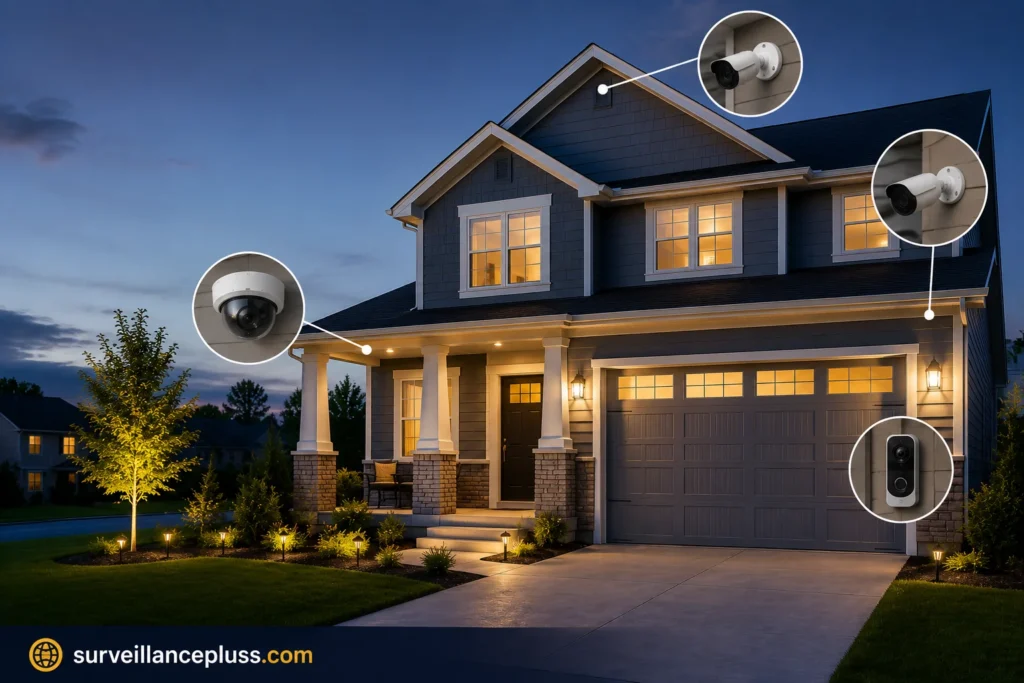
Choosing the right spots for your cameras is just as important as choosing how many you need. Even the best home security cameras won’t help much if they miss the areas where someone could enter your property. A smart security camera placement plan helps you see what’s happening around your home, day or night.
Here are the best places to install security cameras around your Pickering home.
Front Door
The front door is one of the busiest areas around any home. It’s where family, friends, delivery drivers, and visitors come and go. It’s also one of the first places someone may try to enter.
A camera here should clearly capture faces and anyone walking up to your entrance. If you already have a video doorbell, you may still want another camera that gives you a wider view of the front yard or porch.
Driveway
Your driveway isn’t just for parking. It’s also where vehicles, trailers, and expensive tools are often kept. A camera covering this area can help you see anyone walking toward your garage or spending time around your vehicle.
Place the camera where it can see the full driveway without being blocked by parked cars.
Garage
Whether your garage is attached or separate, it’s worth protecting. Many homeowners store bikes, tools, sports equipment, and other valuable items inside.
A camera facing the garage door can record anyone trying to get in, while another camera near the side of the garage may help if there’s another entrance.
Backyard
The backyard is often one of the quietest parts of a property, which makes it easy to overlook. If you have a patio, play area, pool, or back gate, this space deserves good coverage.
An outdoor security camera with night vision is a great choice for keeping an eye on your backyard after dark.
Side Entrance
Many homes have a side path or gate that isn’t easy to see from the street. These areas can become hidden access points if they aren’t covered.
Adding a camera here helps remove blind spots and gives you a better view of anyone moving around the side of your home.
Basement Entrance
If your home has a separate basement entrance, don’t leave it out of your home surveillance system. These doors are often less visible than the main entrance but still need protection.
A camera placed above the door can help record anyone coming or going.
Inside Your Home
Outdoor cameras protect your property, but indoor cameras can add another layer of security. Many homeowners place one near the main entrance, hallway, or living room to check on pets, children, or older family members while they’re away.
If you use indoor security cameras, avoid placing them in private spaces such as bedrooms or bathrooms.
Wired or Wireless Security Cameras: Which One Is Better?
If you’re planning a home security camera system for your Pickering home, one of the first decisions you’ll make is whether to choose wired or wireless security cameras. Both can help protect your home, but the right choice depends on your property, budget, and what you expect from your system.
Here’s a simple comparison to help you decide.
| Feature | Wired Security Cameras | Wireless Security Cameras |
| Reliability | Excellent | Good, depends on Wi-Fi signal |
| Video Quality | Very stable | Can vary with internet connection |
| Installation | Professional installation recommended | Faster and easier to install |
| Power Source | Connected by cable | Battery or power outlet |
| Best For | Long-term home security | Smaller homes or quick setup |
| Maintenance | Very little | Battery charging or replacement may be needed |
How to Get Better Coverage Without Adding More Cameras
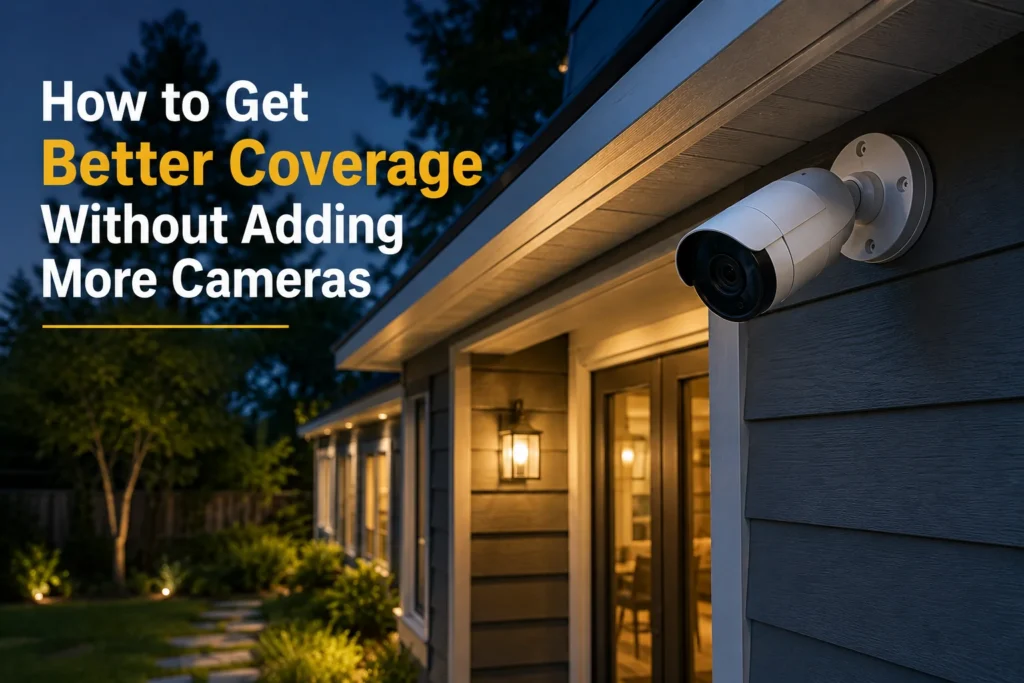
You do not always need to buy more cameras to make your home safer. In most cases, a few small changes can improve your security camera coverage and help you see more of your property. If you are wondering how many security cameras your Pickering home needs, remember that smart placement always matters more than the number of cameras you own.
Here are a few simple ways to get the most from your home security camera system.
Place Cameras Where They Can See More
Before adding another camera, check if one you already have can be moved to a better spot. A small change in height or angle can cover a larger area and remove hidden spaces.
Try to point cameras toward:
- Main walkways
- Gates
- Driveways
- Entry doors
This gives you a better view of the places where people are most likely to walk.
Use Cameras With a Wide Viewing Angle
Not all home security cameras see the same amount of space. Some cameras have a wider field of view, which means one camera can cover a larger area.
This works well for:
- Front yards
- Open backyards
- Large driveways
- Parking areas
A wide-angle camera can sometimes replace the need for a second camera.
Let Cameras Work Together
Instead of having every camera looking in a different direction, plan them so their views meet or slightly overlap. This helps make sure someone moving around your property stays in view instead of disappearing between cameras.
This simple step creates smoother home surveillance and leaves fewer uncovered areas.
Focus on the Places That Matter Most
Not every part of your property needs the same level of attention. Start by protecting the areas people use every day, such as entrances, driveways and paths leading to your home.
Once these important spots are covered, you can decide if any extra cameras are really needed.
Check Your Camera Views Every Few Months
Your property changes over time. Trees grow, bushes get bigger and new outdoor furniture or decorations can block a camera’s view.
Take a few minutes every few months to check each camera from your phone. If something blocks the picture, adjusting the camera may be all you need to improve your security camera placement.
Choose the Right Camera for the Right Area
Every camera has a different job. A camera that works well at your front entrance may not be the best choice for watching a long driveway or a large backyard.
Using the right outdoor security camera in the right location helps you get better results without adding more equipment.
How Much Does It Cost to Install Security Cameras in Pickering?
The cost of security camera installation in Pickering depends on the type of cameras you choose, how many you need and how easy they are to install. A simple setup for a small home will cost less than a complete home surveillance system for a larger property.
The best way to plan your budget is to choose a system that fits your home instead of paying for cameras you may never use.
Average Cost Based on the Number of Cameras
Here’s a general idea of what homeowners can expect to pay for a professionally installed system.
| Number of Cameras | Best For | Estimated Cost* |
| 2 Cameras | Condo or small apartment | $700–$1,200 |
| 4 Cameras | Townhouse or average home | $1,200–$2,200 |
| 6 Cameras | Detached home | $2,000–$3,500 |
| 8 Cameras | Large home or corner lot | $3,000+ |
Note: These are estimated price ranges. The final cost may vary depending on the camera brand, features and installation requirements.
How Surveillance Plus Security Systems Helps Pickering Homeowners
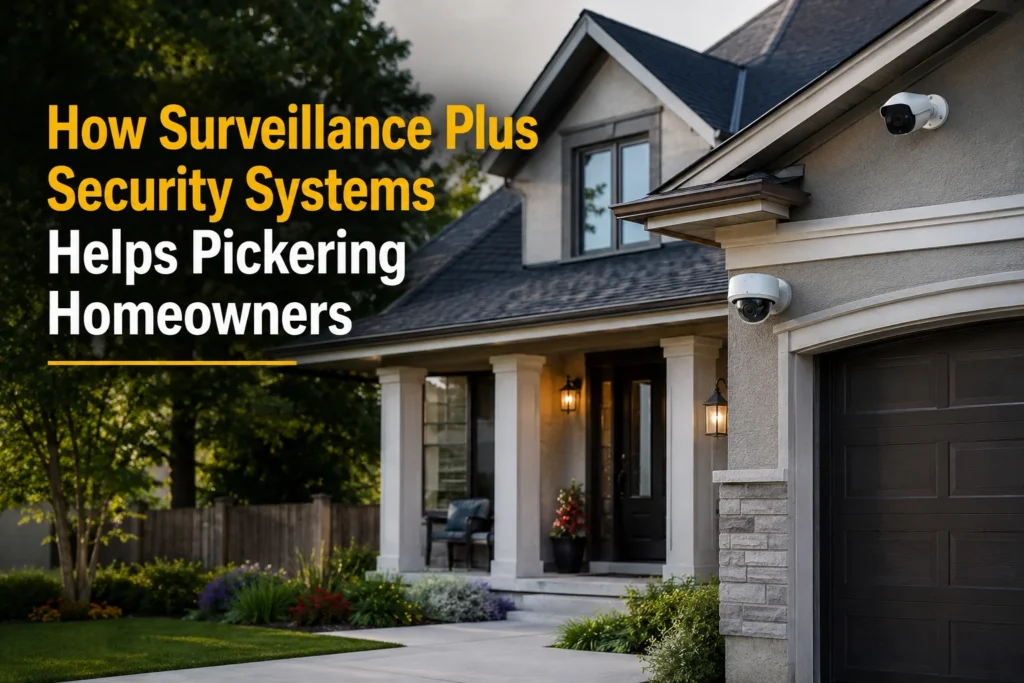
The right home security camera system does not have to be confusing. At Surveillance Plus Security Systems, we help Pickering homeowners find the right setup based on their home’s layout, budget and the areas they want to protect.
Instead of selling the same package to everyone, we recommend the number of cameras your home actually needs. This helps you avoid paying for extra equipment while making sure every important area is covered.
Our team provides professional security camera installation with clean wiring, proper camera placement and easy mobile access, so you can check your property anytime, from anywhere.
When you need a simple setup for a townhouse or a complete home surveillance system for a detached home, we’re here to help you choose a solution that works for your home today and can grow with your needs in the future.
Need help deciding how many security cameras your Pickering home needs? Contact Surveillance Plus Security Systems for a free security assessment and expert advice on the best camera setup for your property.
Frequently Asked Questions About Security Cameras for Homes in Pickering
-
How many security cameras does a typical home in Pickering need?
Most homes in Pickering need 4 to 6 security cameras for good coverage. A smaller townhouse may only need 3 to 4 cameras, while a larger detached home or corner lot may need 6 or more. The right number depends on your home’s layout and the areas you want to protect.
-
Where should security cameras be installed around a house?
The best places to install home security cameras are the front door, driveway, garage, backyard, side entrance, and basement entrance. These areas cover the main ways people can access your property and help reduce blind spots around your home.
-
Is a doorbell camera enough to protect my home?
A video doorbell is useful for watching your front entrance, but it cannot protect your whole property. For better security, combine a doorbell camera with outdoor security cameras covering the driveway, backyard, garage and other important areas.
-
Should I choose wired or wireless security cameras?
Both options work well, but the best choice depends on your home. Wired security cameras offer reliable recording and are ideal for long-term use. Wireless security cameras are easier to install and work well for smaller homes with a strong Wi-Fi connection.
-
How do I know how many security cameras my home needs?
Start by looking at your home’s entry points, driveway, garage, backyard, and any hidden areas. A professional security camera installation company can assess your property and recommend the right number of cameras for complete coverage without adding equipment you don’t need.
