
Imagine getting an alert on your phone when someone comes near your property, even before you notice anything unusual. Instead of spending hours checking camera recordings, a smarter security system can help you quickly know what happened and when it happened. This is why some homeowners and businesses are looking at AI Security Cameras in Pickering as a better way to protect their properties in 2026.
With new technology changing how we monitor our homes and workplaces, some people are asking if AI security cameras are really worth the investment. In this guide, we will cover how these cameras work, their useful features, costs, and how the right security camera system can provide better protection for your property.
What Are AI Security Cameras and How Do They Work?
A normal security camera records everything happening around your property, but it cannot always tell what is important. AI security cameras are smarter because they can look at the video and understand what is happening. They can help identify people, vehicles, and unusual activity, making it easier to keep your home or business safe.
Some homeowners and businesses looking for AI Security Cameras in Pickering want a system that does more than just record. These smart cameras can send alerts, help you find important moments quickly, and give you better control over your security without checking hours of video.
How AI Makes Security Cameras Smarter
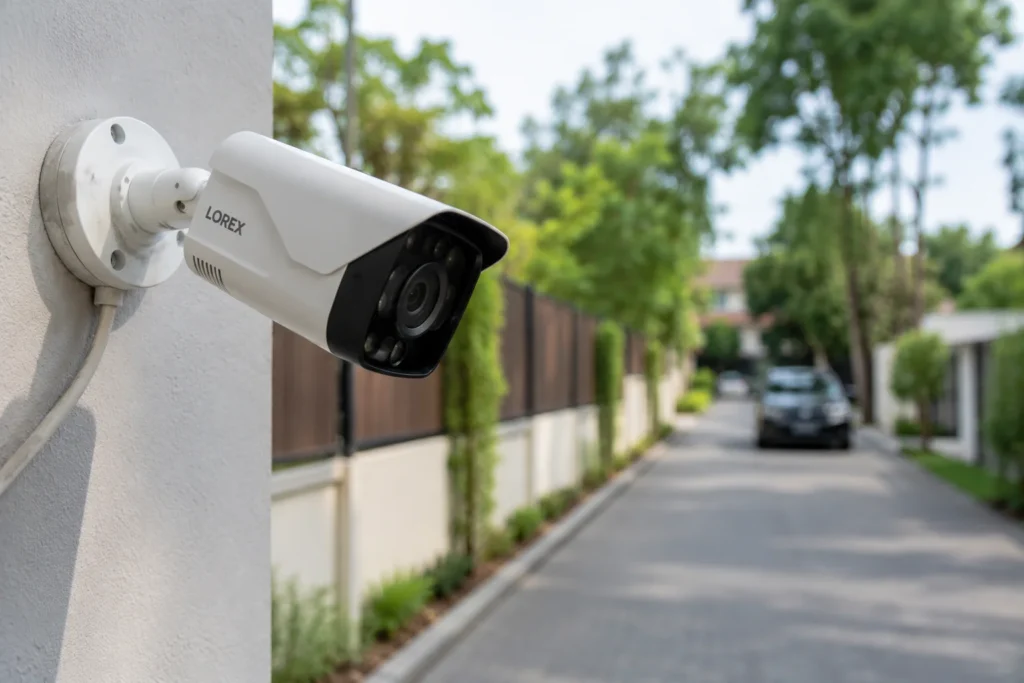
AI technology helps security cameras understand the difference between normal movement and something that may need attention.
For example, the camera can:
- Notice when a person enters your property
- Identify a vehicle near your driveway or parking area
- Send an alert when unusual activity happens
- Help you find a specific moment in recorded video
This type of intelligent video surveillance saves time because you do not have to watch every second of recorded footage.
How AI Security Cameras Work
The process is simple:
- The camera records activity around your home or business.
- The AI system checks the video and looks for important changes.
- The camera sends an alert if it detects something unusual.
- You can check the live view or recorded video from your phone.
Modern AI security camera systems are helpful for both homes and businesses. Whether you need residential security cameras Pickering to protect your family or a stronger system for your workplace, AI cameras help you monitor your property in a smarter and easier way.
Why Are AI Security Cameras Becoming Popular in Pickering?
More homeowners and businesses in Pickering are upgrading from basic cameras to smarter security solutions. They want better ways to monitor their property, receive useful alerts, and keep an eye on important areas without spending hours checking recordings.
AI Security Cameras in Pickering are gaining popularity because they offer easier monitoring, better detection, and more control for different types of properties.
Key reasons people are choosing AI security cameras:
- Better property monitoring: AI cameras help keep watch over entrances, driveways, offices, stores, and outdoor areas.
- Fewer unnecessary alerts: Smart detection helps focus on important activity instead of every small movement.
- Remote access from anywhere: Users can check live footage, receive alerts, and review recordings through their mobile devices.
- Useful for homes and businesses: Homeowners can use residential security cameras Pickering for family safety, while businesses can use commercial security cameras Pickering for workplace protection.
- Easy security management: Modern smart surveillance systems make it easier to manage cameras and stay connected with your property.
As security needs continue to grow, some property owners in Pickering are choosing AI-powered solutions because they provide a simple and effective way to improve everyday protection.
AI Security Camera Features to Look For in Smart Surveillance Systems
AI cameras come with different smart features that help improve property monitoring. When selecting AI security cameras, it is important to know which features can provide real value for your home or business.
Human Detection in AI Security Cameras
- Detects when a person enters the camera’s view.
- Helps reduce false alerts caused by animals, weather, or moving objects.
- Useful for residential security cameras Pickering and property entrances.
Vehicle Detection for Smart Security Cameras
- Identifies vehicles near driveways, parking areas, and gates.
- Helps monitor vehicle movement around homes and businesses.
- Useful for outdoor security and commercial properties.
Face Detection in AI CCTV Cameras
- Detects faces in recorded footage.
- Makes it easier to review visitors and find important moments.
- Helps improve monitoring at entry points and access areas.
Intrusion Detection for Property Protection
- Creates alerts when someone enters a restricted area.
- Helps protect private spaces, offices, and commercial locations.
- Supports better property surveillance.
Line Crossing Detection for Better Security Monitoring
- Creates a virtual boundary in the camera view.
- Sends alerts when someone crosses the selected area.
- Useful for gates, doors, and protected zones.
Smart Search in AI Security Camera Systems
- Helps find specific events without watching hours of footage.
- Allows users to search for people, vehicles, or activities.
- Makes video review faster and easier.
Object Left Behind Detection
- Detects when an item is left in a monitored area.
- Useful for stores, offices, and public spaces.
- Helps identify unusual situations quickly.
Object Removed Detection
- Alerts users when an item is removed from a selected area.
- Useful for monitoring important items and business locations.
- Adds an extra layer of security monitoring.
These features make AI security camera systems a useful option for homeowners and businesses looking for smarter monitoring. Whether you need smart security cameras Pickering, home protection, or commercial security cameras Pickering, selecting the right features helps create a better security setup.
AI Security Cameras vs Traditional CCTV Cameras: What Is the Difference?
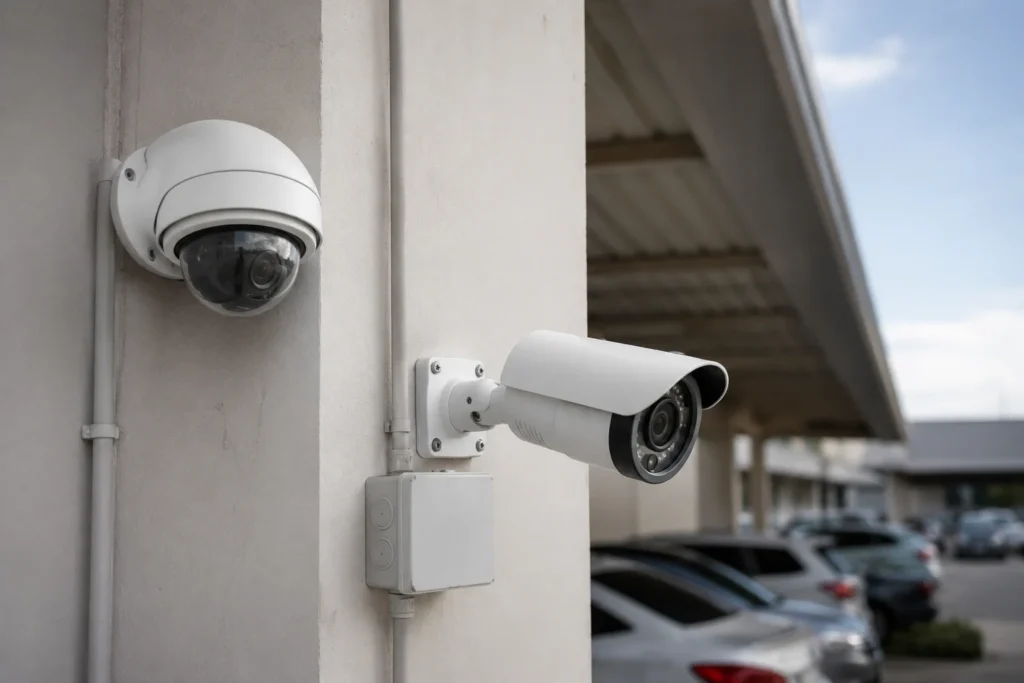
Both AI security cameras and traditional CCTV cameras help protect your property, but they work in different ways. A regular CCTV camera mainly records video, while AI cameras can look at the footage and identify important activity, such as a person or vehicle.
For people searching for security cameras in Pickering, knowing the difference can help them choose the right option for their home or business.
| Feature | Traditional CCTV Cameras | AI Security Cameras |
| Recording | Records video that you can watch later. | Records video and helps identify important activity. |
| Motion Detection | Detects any movement, which can create extra alerts. | Can detect people and vehicles more accurately. |
| Alerts | Sends basic movement alerts. | Sends smarter alerts based on what the camera sees. |
| Checking Footage | Takes more time to find specific events. | Helps find important moments faster. |
| Smart Features | Has limited features. | Offers features like person detection, vehicle detection, and smart search. |
| Best For | Simple video recording needs. | Homes and businesses that need smarter monitoring. |
Traditional CCTV cameras are still useful for basic security needs. However, some homeowners and businesses are moving toward AI CCTV cameras because they provide more helpful information and make security easier to manage.
If you are planning a security camera system for home or business, AI cameras can be a better choice when you need smarter alerts, easier monitoring, and better control over your property.
How to Choose the Right AI Security Camera System: Wired vs Wireless Options
When selecting an AI security camera system, one of the first decisions is choosing between wired and wireless cameras. Both options have their own benefits, and the right choice depends on your property size, installation needs, and how you want to use the system.
| Feature | Wired AI Security Cameras | Wireless AI Security Cameras |
| Connection | Uses cables for power and video connection. | Uses Wi-Fi connection for video transfer. |
| Reliability | Provides a stable connection with fewer interruptions. | Depends on Wi-Fi strength and network quality. |
| Installation | Requires more setup because cables need to be installed. | Easier to install with fewer cables. |
| Best For | Large homes, offices, warehouses, and commercial properties. | Homes, small businesses, and flexible setups. |
| Maintenance | Usually needs less attention after proper installation. | May need Wi-Fi checks or battery replacement (for some models). |
| Video Quality | Provides consistent video performance. | Quality may vary based on network connection. |
| Flexibility | Cameras stay in fixed locations. | Easier to move or adjust when needed. |
Other Things to Consider Before Buying AI Security Cameras
Apart from choosing wired or wireless, consider these points:
- Camera placement: Select cameras based on areas you want to monitor.
- Video quality: Choose a camera that provides clear footage.
- Night vision: Make sure the camera works well in low light.
- Storage: Check options like local storage, NVR, or cloud storage.
- AI features: Look for useful options like person detection, vehicle detection, and smart alerts.
- Mobile access: A simple app helps you check your property anytime.
- Weather protection: Outdoor cameras should handle rain, snow, and changing weather.
The right AI security camera system depends on your security needs and property type. Whether you need residential security cameras Pickering or commercial security cameras Pickering, selecting the right setup helps you get reliable protection without paying for features you do not need.
How Much Do AI Security Cameras Cost in Pickering?
The cost of AI Security Cameras in Pickering can vary depending on your property size, camera features, and installation needs. A small home setup may need only a few cameras, while a business property may require a larger system with more coverage and advanced features.
Instead of looking only at the camera price, it is important to consider the complete cost of a security setup, including equipment, installation, storage, and future needs.
Factors That Affect AI Security Camera Installation Cost
- Number of cameras needed: More cameras increase the total cost but provide better coverage.
- Camera quality and features: Cameras with higher resolution and smart features may cost more.
- Property size: Larger homes and businesses always need more equipment and longer installation time.
- Installation requirements: Wired systems may require more work because of cable installation.
- Storage options: Local storage and cloud storage can affect the overall cost.
- AI features: Advanced options like person detection, vehicle detection, and smart alerts can impact pricing.
Additional Costs to Consider
- Professional installation: Proper setup helps ensure cameras are placed correctly and work properly.
- Cloud storage fees: Some systems charge monthly fees for storing video online.
- Maintenance and upgrades: Future updates or adding more cameras may add extra costs.
For homeowners looking for a security camera system for home or businesses needing commercial security cameras Pickering, the best option depends on your security goals and budget. A professional security camera installation Pickering service can help you choose a system that provides the right protection without unnecessary features.
Common Mistakes to Avoid When Buying AI Security Cameras
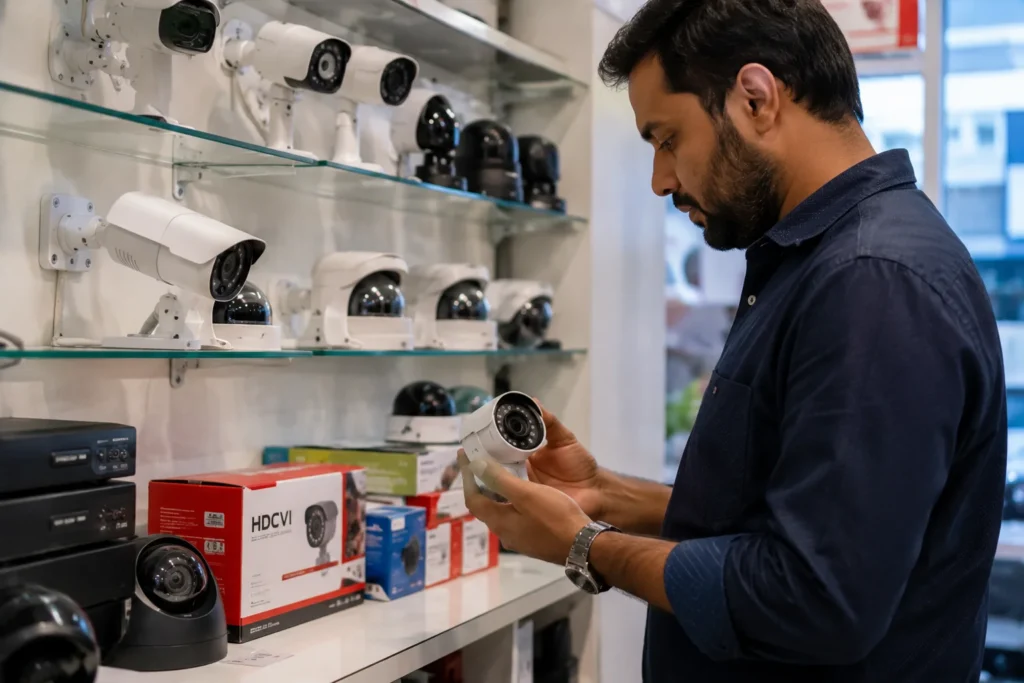
Buying AI security cameras is an important decision because the right system can help protect your home or business for years. However, some people make simple mistakes that can affect camera performance, video quality, and overall security.
Here are some common mistakes to avoid before investing in an AI security camera system:
Buying Only Based on Price
- Choosing the cheapest camera may save money at first but can affect video quality and reliability.
- Low-cost cameras may have fewer smart features or weaker night vision.
- Focus on the features you actually need instead of only looking at the price.
Ignoring Camera Placement
- Installing cameras in the wrong location can leave important areas uncovered.
- Place cameras near entry doors, driveways, parking areas, and other important spots.
- Proper placement helps you get better coverage from your security system.
Not Checking Internet Requirements
- Some smart cameras need a strong internet connection for remote viewing and alerts.
- Weak Wi-Fi can affect video loading and notifications.
- Check your network before installing wireless cameras.
Choosing the Wrong Storage Option
- Different properties need different storage solutions.
- Small homes may work well with simple storage, while businesses may need larger recording options.
- Consider how long you want to keep recorded footage.
Ignoring AI Features You Actually Need
- Not every AI feature is useful for every property.
- Features like person detection, vehicle detection, and smart alerts should match your security needs.
- Choose features that help with your daily monitoring.
Skipping Professional Installation
- Incorrect setup can reduce camera performance.
- Professional security camera installation Pickering helps with proper placement, settings, and coverage.
- It ensures your smart surveillance systems work as expected.
Avoiding these mistakes can help you choose the right AI Security Cameras in Pickering and create a reliable security setup for your home or business.
Choosing the Right Security Solution for Your Property
Every property has different security needs and the right camera system depends on what you want to protect. AI Security Cameras in Pickering can help homeowners and businesses monitor important areas, receive useful alerts, and keep better control over their security.
Before investing in a system, consider factors like your property size, camera placement, required features, and future needs. A properly planned setup can help you get clearer footage, better coverage, and a security solution that works for your daily needs.
Surveillance Plus Security Systems provides customized security solutions for homes and businesses across Pickering and the GTA. With professional guidance and reliable security camera installation in Pickering, our team helps you set up a system that fits your property and provides dependable protection. Contact us today to discuss the right security option for your needs.
FAQs About AI Security Cameras in Pickering
-
Are AI Security Cameras in Pickering worth buying for my home?
Yes, AI security cameras can be a good choice for homeowners who want better control over their property. These cameras can help detect people, send useful alerts, and make it easier to check activity around your home. They are especially helpful for monitoring entrances, driveways, and outdoor areas when you are away.
-
What is the difference between AI security cameras and regular CCTV cameras?
Regular CCTV cameras mainly record video, while AI security cameras can analyze what they see. AI cameras can identify people, vehicles, and certain activities to provide smarter alerts. This helps reduce unnecessary notifications and makes it easier to find important footage without spending a lot of time reviewing recordings.
-
How much does AI security camera installation cost in Pickering?
The cost of AI security camera installation in Pickering depends on several factors, including the number of cameras, property size, camera features, storage options, and installation work required. A small home setup may cost less, while larger business systems with advanced features may require a bigger investment.
-
Can AI security cameras work without the internet?
Some AI security cameras can record footage without an internet connection, especially systems with local storage. However, features like remote viewing, mobile alerts, and cloud storage usually need internet access. A reliable internet connection helps you get the full benefit of smart security features and easier property monitoring.
-
How do I choose the right AI security camera system for my property?
Choosing the right system depends on your security needs, property size, and the areas you want to monitor. Consider camera quality, night vision, storage options, AI features, and installation requirements. A professional security provider can help you select a system that provides the right coverage without adding unnecessary features.
